Understanding for#
Using for to handle dynamic collections is a critical tool for any Terraform developer’s arsenal, and handling nested for collections is a technique that’s as powerful as it is flashy.
Unfortunately, Terraform’s use of for is notoriously counterintuitive:
- It defines a variable; it does not manipulate one.
- Its behavior and usage vary on context (e.g.,
[square braces]or{curly braces}.) - HCL’s version of
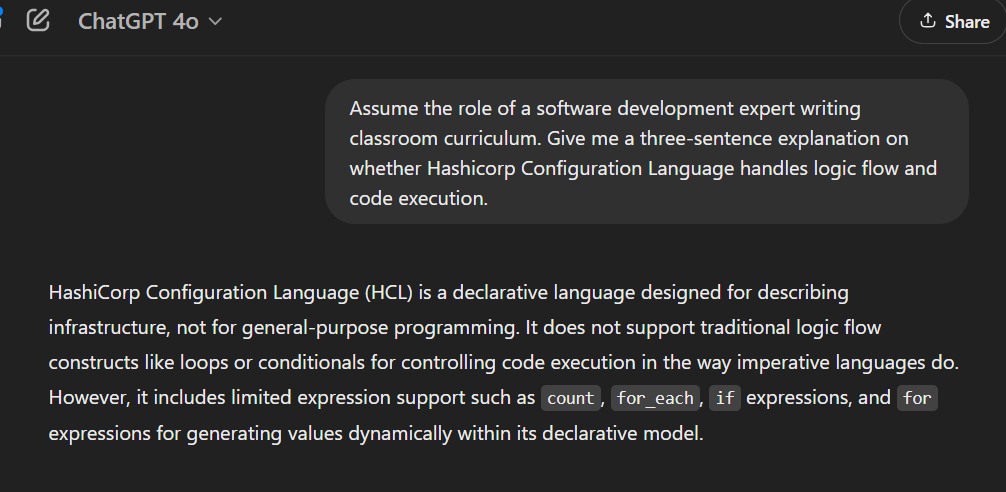
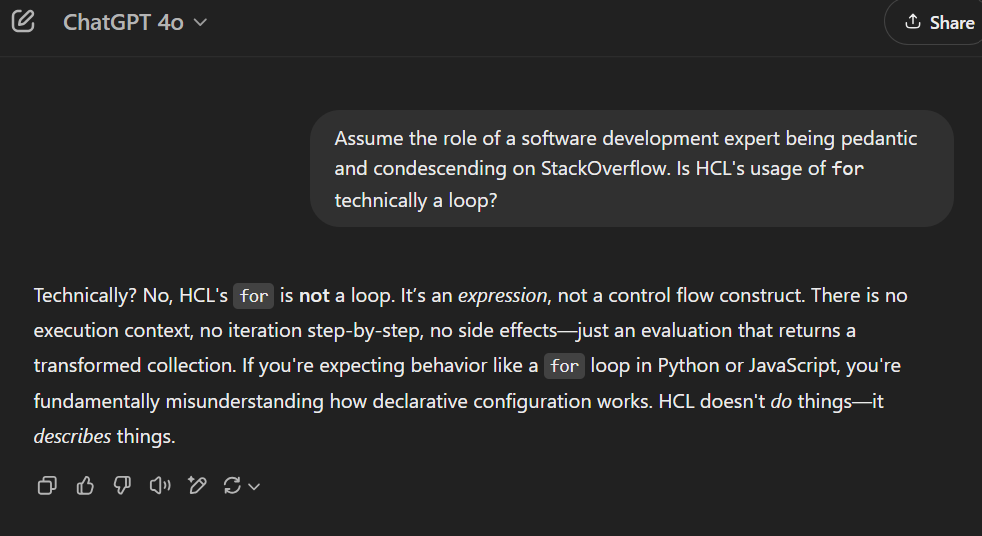
foris not technically a loop.
for is not a loop. Neat!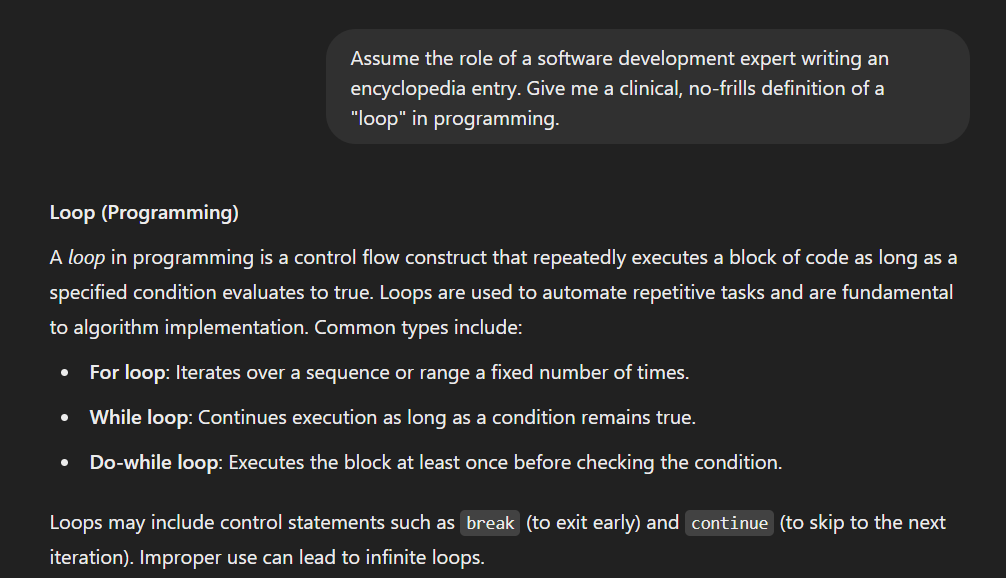
In this post, I want to spend some time unpacking how for statements are structured in HCL, and provide some more obvious visualization than you might have seen before into their usage.
Prerequisites#
Let’s start out by clarifying some vocabulary around collections in Terraform.
Collections can generally be classified into either one-dimensional (A collection of values) or two-dimensional (a collection of both keys and values). We’ll compare and contrast them in the table below.
| Attribute | 1-dimensional | 2-dimensional |
|---|---|---|
| Examples | list, set, tuple | map, object |
| Appearance | [ square brackets ] | { curly braces } |
| Structure | Values only | Key = Value |
| Index | count supported | key string |
Picking a collection type#
for generally defines either a 1D tuple or a 2D object.
Tuples#
- A list requires all elements to be the same data type, and is ordered.
- A set requires all elements to be unique, and is unordered.
- A tuple is ordered, but can hold different data types simultaneously.
If Terraform can’t tell in advance what’s going to go into a one-dimensional collection, it uses a tuple just to be safe. In the context of technical writing or error output, you’ll see tuple used in dynamic contexts (like for), but if you’re having a conversation in the office or Slack it’s usually OK to use the term “list” interchangeably.
Objects#
- A map requires all values to be the same type. (You usually use this for key/value pairs of strings, like tags.) Maps also support lookup.
- An object can have values of any type. Its keys need to be strings, since they are attribute names. (For example, a
data.aws_s3_bucketis an object, and one of its key/value pairs isid = bucket-name.)
Because we can define an arbitrary structure/schema in our for expression, a two-dimensional for usually spits out an object.
Another note on typing#
Terraform uses weak typing, so if you pass a tuple where a list is expected, Terraform will convert it automatically. Similarly, if you try to use an object as a map, Terraform will do the conversion on the spot as long as all the values are the same type. This means you could use a { for expression } to dynamically tag AWS resources, for example.
In summary:
- Values enclosed in
[square brackets]are typically one-dimensional collections (tuples). - Values enclosed in
{curly braces}are typically two-dimensional collections (objects).
We want to keep this distinction in mind when working with the for keyword, as it appears within a collection rather than as a standalone expression.
The sinister nature of sub-objects becomes apparent when reviewing the state of module-heavy configurations, where resource identifiers get very long - e.g.
module.vpc[0].module.default_security_group[0].aws_vpc_security_group_egress_rule.egress_rule[0].id.
Using for#
Terraform uses the keyword for in multiple contexts.
Its most popular usage is the for_each meta-argument, which you might know as an alternative to count or as part of a dynamic block.
This usage, where we transform collections using for, should not be confused with for_each; despite their similar name, they are very distant relatives.
In conventional programming, for defines loops that iteratively perform tasks.
HCL doesn’t perform actions or tasks directly. Instead, for is like a template directive used to transform and interpolate strings or collections.
for appears within collections. A [for statement in square braces] is a one-dimensional collection and a {for statement in curly braces} is a two-dimensional collection:
[ for iterator in collection : output ]
# iterator: reference to the current item, pick any name you want
# collection: typically a tuple or list, but two-dimensional complex objects are allowed
# output: logic to perform on the item

{ for key, value in collection : output-key => output-value }
# key, value: references for each item in two-dimensional collections
# output-key => output-value: transformation creating key-value pairs
## The => operator is always used to split dynamic keys and values in "curly-brace fors"
We usually use for statements to uniformly transform a collection of zero to many variables. For instance, given:
var.companies = ["facebook", "apple", "pied piper"]you can transform it as:
[ for company in var.companies : "New ${title(company)}" ]This results in:
["New Facebook", "New Apple", "New Pied Piper"]You can also transform a list of strings into a list of objects:
[ for company in var.companies : {
  company        = company
  better_company = "New ${title(company)}"
} ]
Outputting:
[
  { company = "facebook", better_company = "New Facebook" },
  { company = "apple", better_company = "New Apple" },
  { company = "pied piper", better_company = "New Pied Piper" }
]
Nested for#
Nested for statements help consolidate complex data structures, such as lists of objects containing lists.
Let’s start with a high-level example to illustrate the concept.
Fruit Salad#
A very common situation for nested for expressions is when you need to read a complex JSON or YAML file into a variable, and break it into pieces you can actually use.
Suppose I am writing a module that needs to consume the following variable:
variable "fruit_salad" {
  description = "A list of desirable fruits, sorted by their external color."
  type = list(object({
    color = string
    flavor = string
    fruits = list(object({
      name = string
      size = string
    }))
  }))
}
You can greatly improve your user experience by ingesting this variable in a YAML manifest. For example:
The following HCL snippet will demonstrate how to iterate through this YAML using for.
You should use comments to explain your reasoning when you are doing something unusual, to clarify relationships between resources in very complex files, or to facilitate automation tools such as doc generators. You should not add comments all over the place to explain basic language syntax.
I am intentionally adding way more comments to this block than I normally would to improve the visibility and accessibility of this blog post to authors of many experience levels; I do not condone commenting active code like this unless you get paid per line.
This snippet uses yamldecode to convert the string value returned by the file function into an object before transforming it.
The output is a structured, nested tuple.
We still have a reasonably complicated data set (nested collections), but it’s much tidier than where we started (nested objects). We’ve transformed elements from multiple scopes, and now have entries for each of the most specific entries in the manifest.
flatten 101#
Now that we have nested tuples, let’s put them to work. Before we do, here’s a quick refresher on what flatten actually does:
flatten takes a list and replaces any elements that are lists with a flattened sequence of the list contents.Terraform developers often need to receive nested input to dynamically create zero-to-many resources (or sub-resources), specifically by using either
- the
for_eachmeta-argument, or - a
dynamicblock.
Because iterators in Terraform are not logical operators, they aren’t great at handling “multi-dimensional” nested input directly. For instance, if you need multiple subnets, you should provide a single flat list rather than separate nested lists for public and private subnets:
locals {
  # Good
  subnets = [
    { name = string, cidr = string },
    { name = string, cidr = string },
    { name = string, cidr = string }
  ]

  # Not good
  bad_subnets = [
    [{ name = string, cidr = string }, { name = string, cidr = string }],
    [{ name = string, cidr = string }]
  ]
}
When using the for_each meta-argument, each instance of a [resource | data source | module | etc] requires a unique ‘key’ in string format. for_each collections behave like hash tables, so that key acts as the item’s index.
- This is why
for_eachrequires either a list of known-before-apply strings, or a list of key-value objects (i.e.key => valueexpressions.)
When composing lists of “two-dimensional” objects, ensure each object includes a unique string attribute suitable for identifying resources easily in the Terraform state file. Usually, the object’s name attribute suffices, but this might differ based on your use case.
TL;DR#
flatten can be applied in several contexts, but it’s most commonly (by a lot) used to normalize nested lists for use with for_each.
With this in mind, let’s go back to our fruit salad.
Fruit Kebabs#
Suppose we want to make multiple resources (in this case, four of them) called fruit_chunk. The fruit_chunk resource (from our fictitious tastycorp/fruit provider) has the following arguments:
| Name | Description | Type | Default |
|---|---|---|---|
| name | Common name of the fruit | string | required |
| color | Rough color of the fruit’s exterior | string | required |
| flavor | Primary flavor profile of the fruit | string | required |
| large | Whether the fruit is big | bool | required |
| description | Friendly sentence talking about the fruit | string | “Hey, look at that!” |
To create zero-to-many fruit chunks for a kebab, we can use a for_each block:
Eagle-eyed observers will note that this for_each argument requires a list of objects.
I wish I could say this grand reveal is complicated and flashy, but it’s not:
That simple flatten statement will convert a nested list structure ([[obj, obj], [obj, obj]]) to a flat one ([obj, obj, obj, obj]) in one go. The flattened version is suitable for a for_each meta-argument.
A last note on for_each#
Let’s review the for_each structure:
for_each = { for fruit in local.fruits: fruit.name => fruit }
- The opening
{indicates a map of key-value pairs. for fruit in local.fruitsdefines the iterator. This iterator is scoped to the expression: it is mentioned after the:in the for statement, and might not not be consumed in the resource at all.fruit.name => fruitspecifies that:- The key is the
nameattribute of eachfruit(an object within the collectionlocal.fruits) - The value (accessible as
each.valuein the resource) is the entire fruit object, including thename.
- The key is the
Nested for expressions transform complex, multi-layered input into something you can actually iterate over. flatten then collapses any leftover nesting into the flat list that for_each expects. Once it clicks once, you’ll use this pattern everywhere.